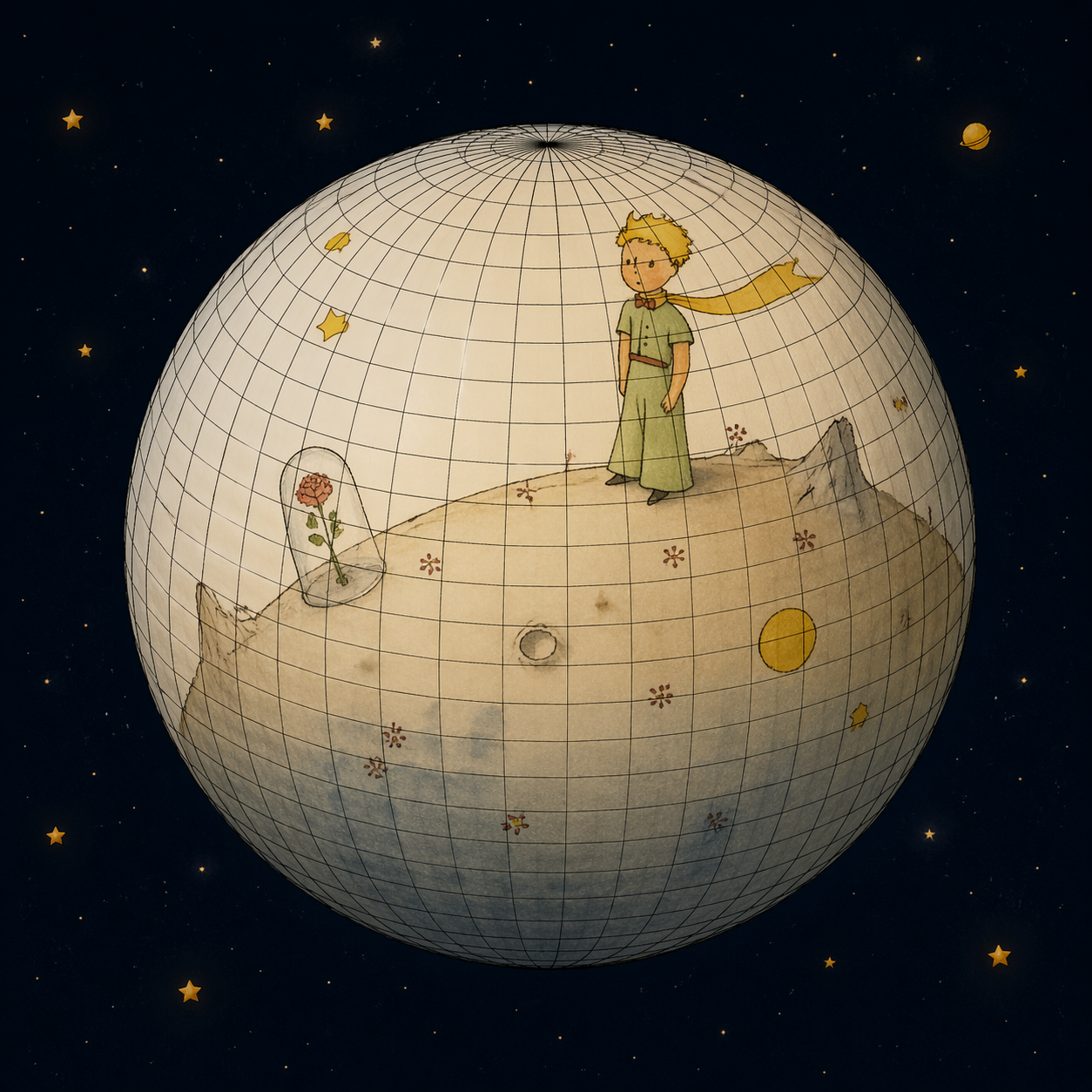
A polygon is a surface
Discussions regarding 3D modeling in casual settings often give varied responses, frequently mixing different concepts and creation methods. In these contexts, software like Blender and Autodesk 3ds Max are often the primary focus. However, CAD modeling system, used for creating precise digital representations in engineering, design, and manufacturing, are rarely the subject of conversation.
A fundamental way to understand the core differences between polygonal and surface 3D modeling (such as CAD/CAM, parametric, and NURBS) is through two concepts: topology and geometry.
So, what exactly are topology and geometry, and which one actually comes first in a modeling system? Let's rephrase the question to make it a bit clearer: topology vs. geometry — which one takes the lead when building a 3D model?
Obviously, the lead role depends on the 3D modeling system you're using.
In a polygonal 3D modeling sofware, you're essentially working with a cloud of points in 3D space. Topologically, this represents an imaginary or desired shape, with a bit of close enough precision. At their core, these systems are all about manual procedural meshing and quad tessellation algorithms.
In CAD systems, you work with mathematically defined curves and surfaces, along with their control points. A key characteristic of these entities is curvature. Because this is a purely geometric representation, you can calculate any point on a curve or surface to a given precision. The meshing and tessellation only happen later, primarily for rendering purposes.
When evaluating the path from the topology of tools like Blender to the mathematical precision of systems like FreeCAD, the lead role shifts between these two pillars.
A comprehensive understanding of 3D modeling therefore requires consideration of topology, curvature, vector algebra, and computational geometry.